
Corporate Action Equities - Request Summary and Operation details
Complete all required fields in the corporate action form and click Continue to proceed to the summary view. Before submitting a request, the system presents a summary of all entered data for review.
The Summary displays all the operation details in a read-only format.
It shows any comments you have added and shows the working group configuration.
Operation Details
The Operation details page displays the details of an existing request and allows authorized users to take actions based on the current request status and their role.
The Follow-Up page includes:
Header — Displays the corporate action type, the current workflow step, and a summary bar with:
- Request number
- Issuer name
- ISIN code
- Symbol
- Currency
- Market of reference
- Other markets
- Operation type
- Effective date
- Status badge
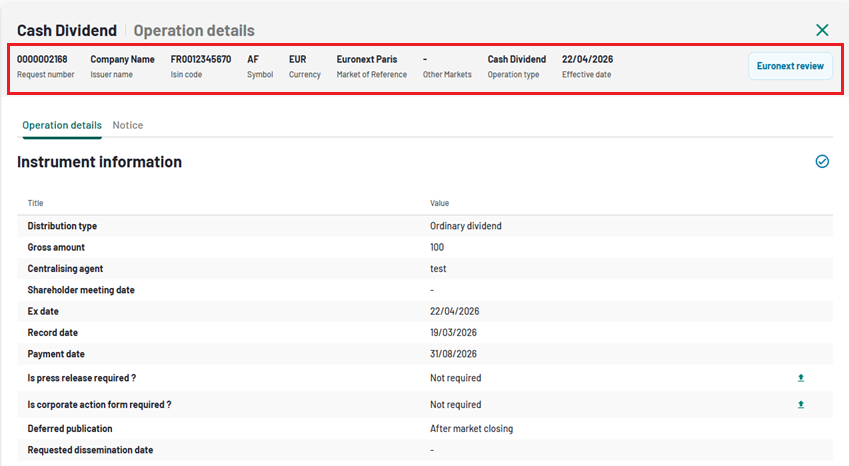
1. Operation request - Header
Tabs — The follow-up page provides two tabs:
- Operation Details — Shows the complete operation information, including cancellation/modification confirmations if applicable.
- Notice — Shows the market notice information and download links (enabled once the request reaches the notice stage).
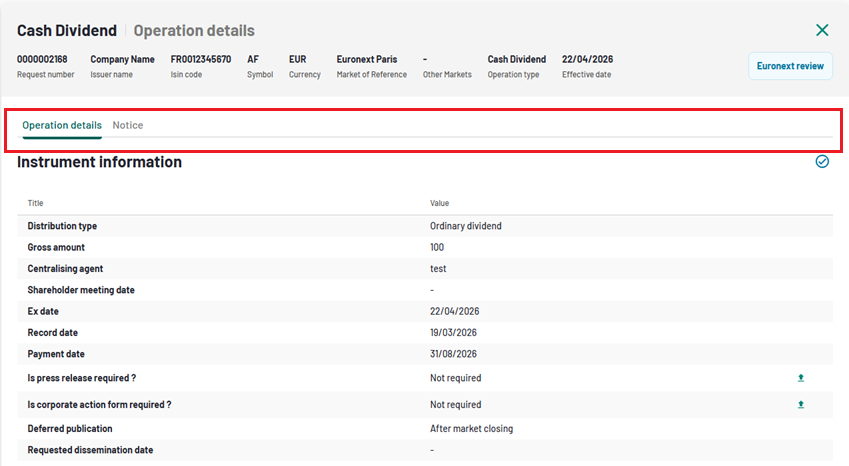
2. Operation request - Tabs
Comments — Displays any comments associated with the request.
Footer — Shows the working group information (if applicable).
The available actions depend on your role and the status of the request. When the Operation is in status "Euronext Review" and no validation or rejection have been provided yet by the Euronext operator, you will be able to Modify the submitted Corporate action by clicking on the dedicated button.